
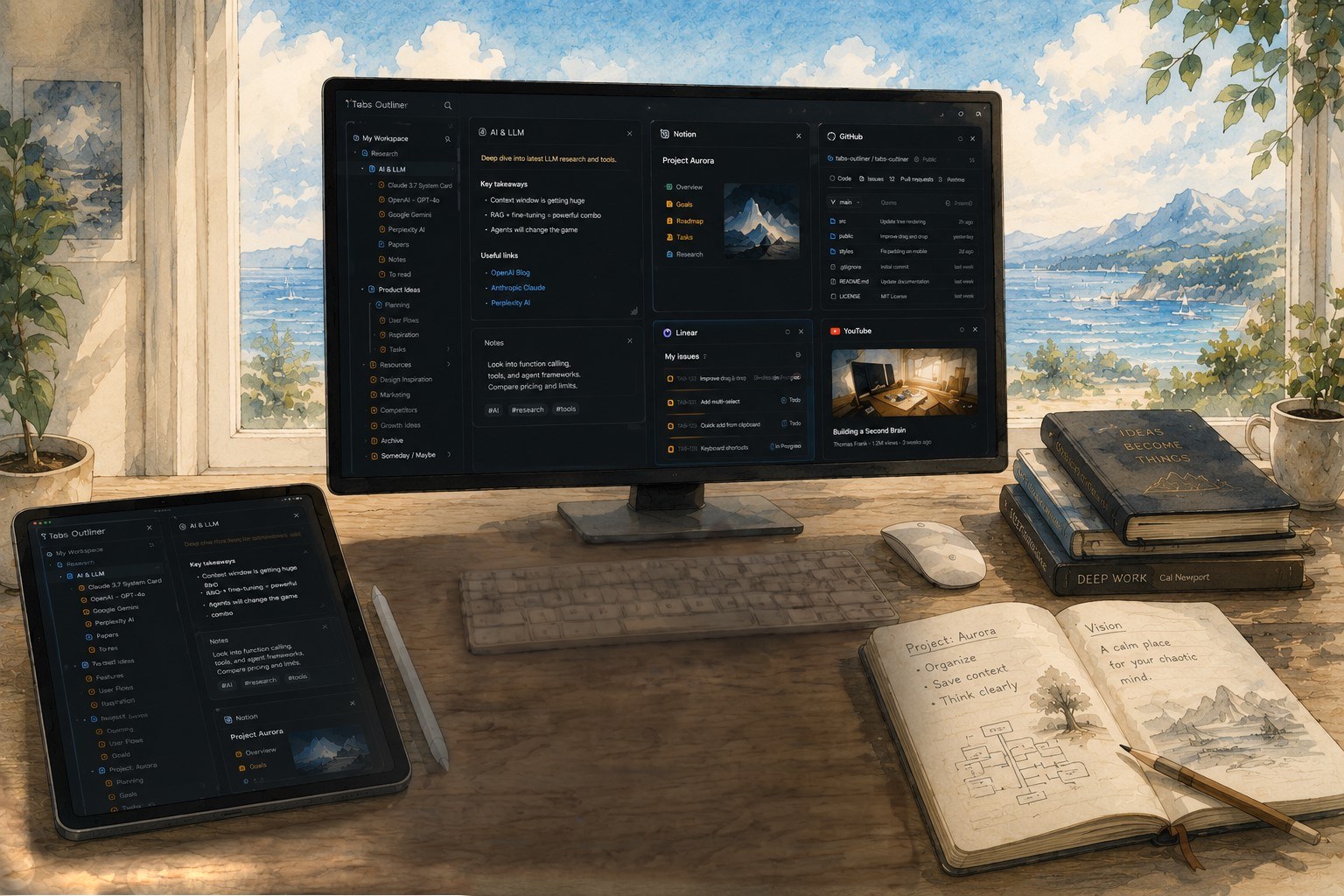
The Vision & The Flow
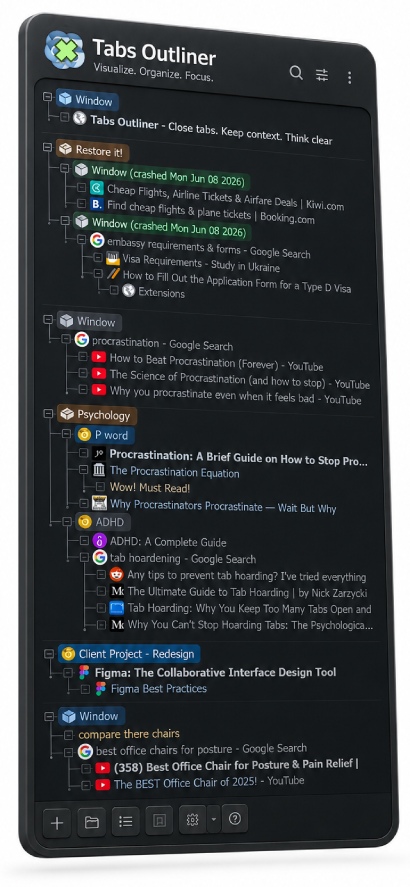
Browse Naturally, Without the Bloat
You browse the web just like you always do. In the background, Tabs Outliner automatically builds a live tree that is fully synchronized with your active session, instantly reflecting every change. It’s not a raw history dump — it’s a living map of your active workflow. It’s utterly intuitive: there are no additional concepts to learn, no "workspaces" or "sessions" to manually manage — just a continuous, regular flow of browsing.
Save RAM & Brain Space
Close any window to free up your PC’s memory, knowing you can restore it instantly. The tree remains fully editable and reorganizable via drag-and-drop. By adding short notes and marks, you can offload all the thoughts and plans associated with those tabs, allowing you to confidently close them — freeing up not just your computer’s memory, but your brain space too.
Total Peace of Mind
With built-in crash protection, your tabs and full context are always safe, even if Chrome crashes.
While it works beautifully for anyone keeping just a few steady tabs — for heavy tab hoarders and ADHD minds, it’s an absolute lifesaver.
Everything you need to regain focus
Designed from the ground up to support deep focus, memory organization, and effortless browsing.

Cognitive Overload & ADHD Lifesaver
Perfect for ADHD or anyone experiencing information overload. See your entire tab chaos at a glance—or offload it all and clear your mind. Your workspace stays structured either way.

Complete Overview
Get a bird's-eye view of your entire workspace. See all open and saved tabs, windows, custom notes, and highlighted items in a single, unified tree view.
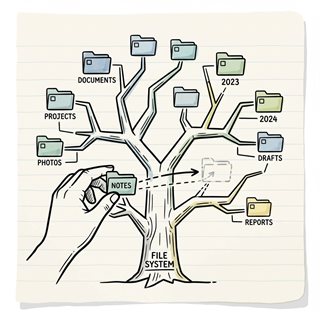
Flexible Tree Structure
Organize tabs, windows, and saved links into custom hierarchical trees. Drag-and-drop to group, nest, or reorder any node to reflect your priorities and match the way you think.

One-Click Close & Save
Close tabs or full windows in one click to instantly free up RAM and attention. Everything stays in the exact same place in your outline tree—no separate lists, no reshuffling—so you can close anything without hesitation.

Innovative Tabs Outlining & Organizing
Add custom text notes, comments, or to-do lists directly inside your tree structure. Drag and drop text snippets from web pages into the outline to build a self-documenting research notebook.

Intelligent Crash Recovery
Recover safely from sudden browser crashes. Avoid freezing your computer with Chrome's default "all-or-nothing" restore—selectively reopen only what you need, while the rest remains safely saved offline.
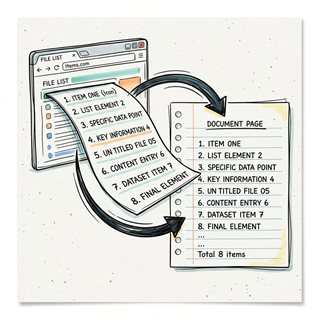
Tabs List Exporter
Export and share your session structures with ease. Drag and drop entire window hierarchies as plain text outlines, or save your complete tree as a standalone, interactive HTML file.

One-Click Procrastination Stopper
Instantly close and save all active windows while preserving their full context. Reclaim computer performance and mental clarity in seconds, allowing you to start fresh and resume later.
Loved by power users
4.4/5 rating from 3.3K+ reviews
Trust of 100,000+ active users
See reviews on Chrome Web Store"This extension saved my brain. I can finally close tabs without the fear of losing context."

"Perfect for ADHD and deep workers. It's like Notion for my browser sessions."

"Crash recovery alone is worth it. Everything stays organized exactly where I left."

"Click save & close all the windows — actual, physical relief."

Powerful free.
Even better with Pro.
Free Edition
100% FreeNo limits. No catch.
- All core features
- Tree structure & notes
- Crash recovery
- Export & import
- Manual backups
Pro Edition
One-time payment- Keyboard shortcuts & clipboard support
- Frequent local backups every few minutes for history & changes review
- Automatic daily Google Drive backups
- Support future development
Upgrade from inside the app
Stop managing tabs. Start thinking.
Join thousands of users who finally tamed their tabs and regained their focus.
 Add to Chrome